Year-End Security Budget: Why Smart Businesses Upgrade Cameras Before December 31
If your business budgets security equipment the way most do, there's a line item sitting unspent right now, and a clock that runs out on December 31. Cameras, recorders and storage are exactly the kind of capital purchase that gets pushed to "next quarter" all year and then becomes urgent in the last two weeks of December. Here's why the deadline is real this time, and how to get a system priced and ordered without burning a week on it.
Why December 31 Is the Real Deadline
Two things make year-end different from any other month for security spending. First, a lot of annual budgets are "use it or lose it" — funds that don't get committed by the close of the fiscal year don't roll over. Second, equipment has to be purchased and placed in service by December 31 to count for that tax year under Section 179 of the federal tax code, which lets many businesses deduct the full cost of qualifying equipment in the year they start using it rather than depreciating it over several years. Rules and limits change and depend on your business structure, so this isn't tax advice — talk to your accountant about how it applies to you. But if a deduction is on the table, equipment that's still in a shipping box on January 2nd doesn't qualify, which is why lead time matters more this month than any other.
What Usually Tops the List
Walk through what came up over the past year: a recorder that ran out of channels or storage months ago and has been quietly overwriting footage early, a blind spot the team flagged after an incident, an aging system that still isn't NDAA-compliant hardware (a requirement for government and many corporate contracts, and one that rules out certain restricted manufacturers' components). Any of those is a reasonable case for a year-end purchase instead of a January maybe.
Storage is the easiest thing to get wrong when budgets are tight, so it's worth sizing generously rather than adding a drive again in six months. Silarius surveillance hard drives, from 2TB up to 24TB, are in stock and ready to ship from New Jersey, with a 5-year warranty and free US shipping — see the guide to sizing a drive to your camera count and retention period or browse the full lineup before you finalize a quote.
Plan It in an Afternoon, Not a Quarter
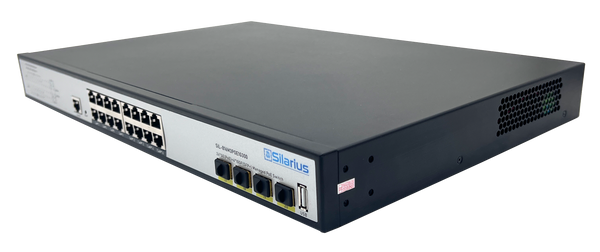
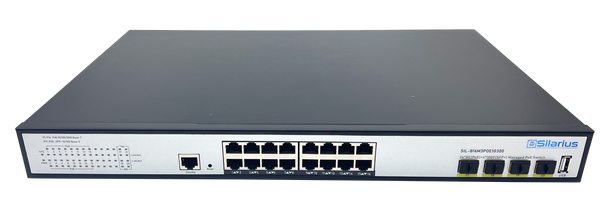
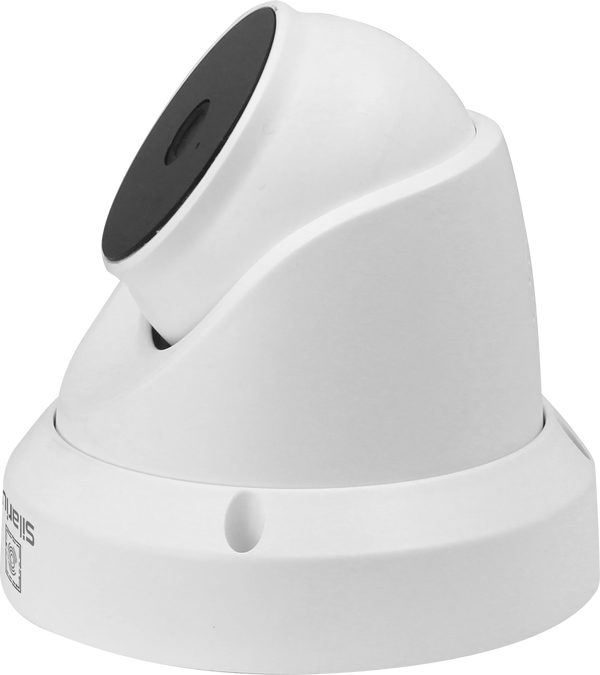
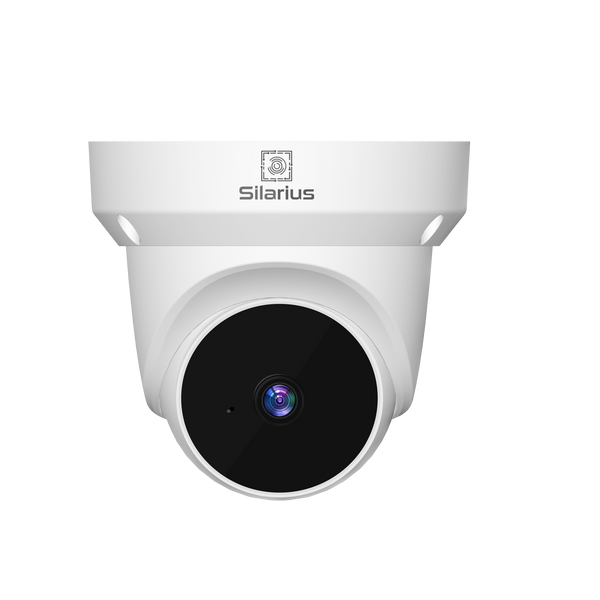
The part that actually eats a budget cycle is usually the planning — walking the property, counting camera positions, guessing at a recorder size, and going back and forth on quotes. The Silarius Site Planner does that in one sitting: type in your address and place cameras directly on satellite imagery of your own property, or upload a floor plan for indoor areas. Pick a job for each position — general coverage, recognizing faces, reading license plates, a wide 180° or 360° view, long-range PTZ — and it automatically selects the least expensive Silarius camera that can actually do that job from that distance, flagging any position that's too far for the camera you'd need. Tell it whether each spot already has network cable, needs Wi-Fi cameras, or needs cable run, and it sizes the PoE switch, recorder and drive to match, along with connectors and a cloud plan if you want one. Everything is priced live, the whole parts list is editable, and you can send it to the cart, print it as a PDF, or share a link with whoever signs off on the purchase order.
If the project is an apartment building, office building or hotel rather than a single site, the building version of the planner also prices door access and intercom alongside the cameras.
Cloud Is the Budget-Friendly Option, Too
Not every year-end dollar has to go toward hardware. Silarius Cloud is ONVIF-based and works with any camera model, starting at $6.99 per camera, per month, so it's a way to add real off-site recording and remote access as an operating expense rather than a capital one — useful if your hardware budget is already spent but there's still room for a subscription. Retention runs from a few days up to a year on standard plans, with 1080p plans that keep footage for 2 or 3 years and custom plans up to 3 years, and cameras and gateways connect out to the cloud, so there's no port forwarding to set up on your network.
It's also worth knowing if your existing recorder is still worth keeping: an NVR or DVR you already own can join Silarius Cloud through the Silarius Gateway, added one camera at a time rather than as a single device (the recorder needs ONVIF or RTSP turned on — see the step-by-step guide). Smart detection can be limited for cameras sitting behind an older recorder, so budget for plain video there rather than full AI, and save the AI features for newer additions. For a deeper look at what changed, there's more detail in our post on connecting an existing recorder to the cloud.
Close It Out Before the Year Does
None of this has to turn into a January project. Pull the list of what's been bothering you all year — the blind spot, the recorder that's full, the system that still isn't compliant — price it out on the Site Planner in one sitting, and decide what's capital and what's a Cloud subscription. If storage is the actual bottleneck, the sizing guide will tell you how many terabytes you need before you place the order. Whatever you decide, get it placed with enough runway to ship, install and actually be recording before December 31.