How to Connect Any IP Camera to Cloud Surveillance
One of the biggest myths about cloud video surveillance is that you need to buy new cameras to get started. You don't. Silarius Cloud works with the IP cameras you already own, any model, and with the cameras on your existing NVR or DVR. Here's exactly how to connect them.
What You Need Before You Start
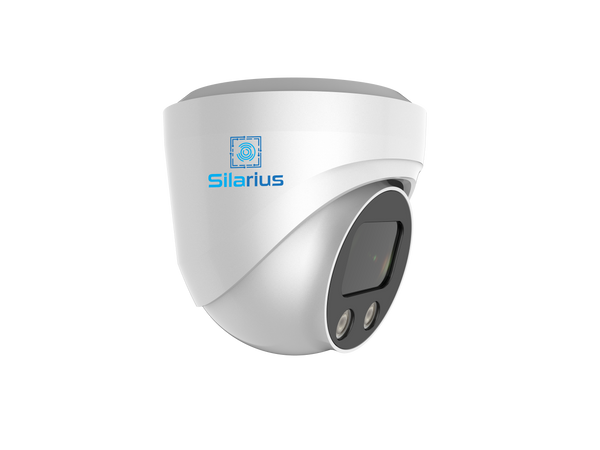
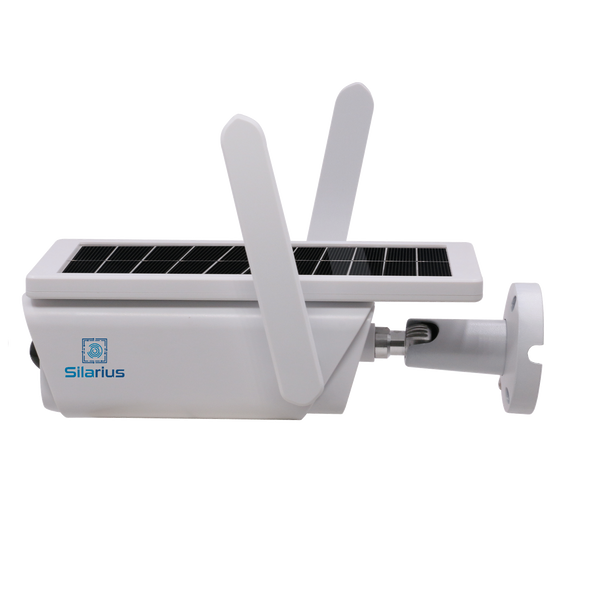
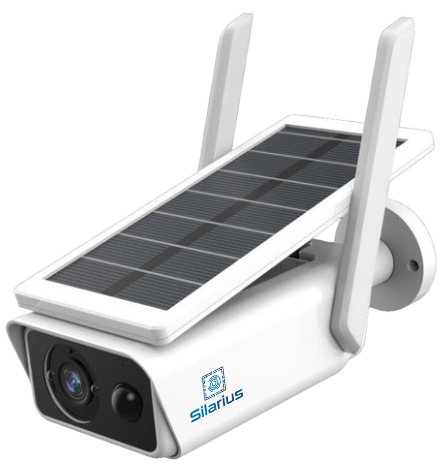
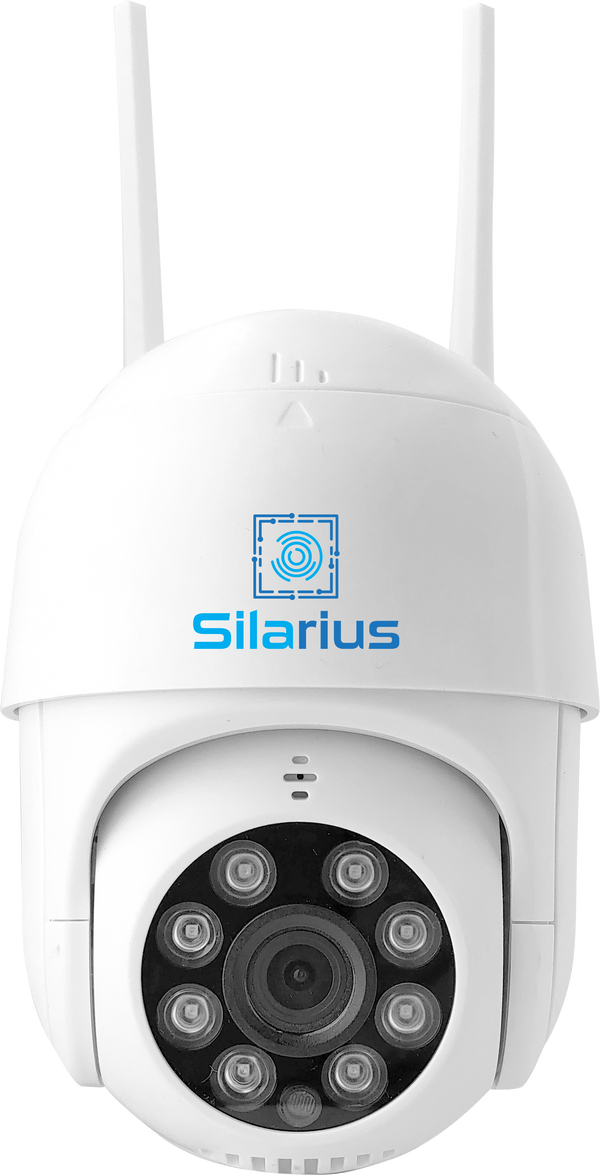
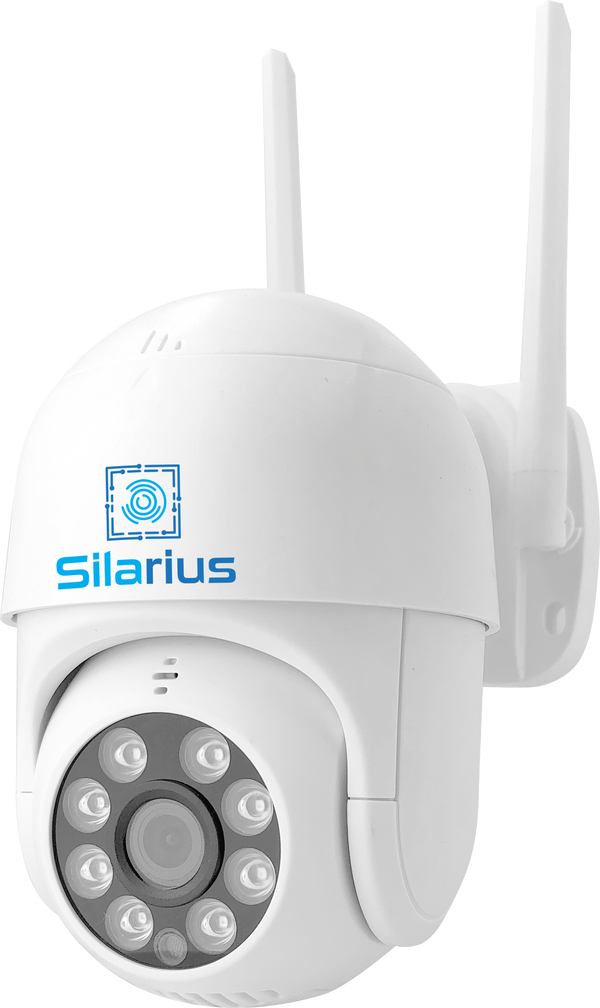
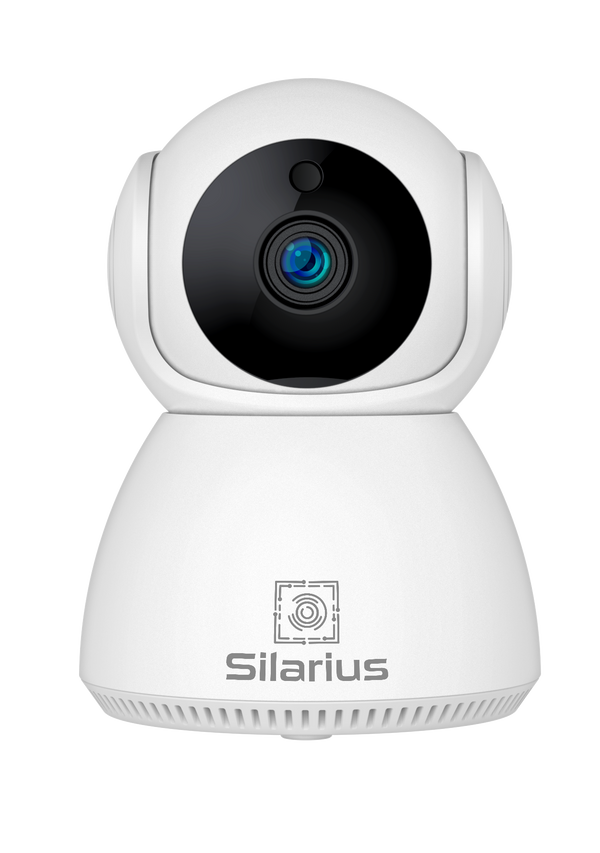
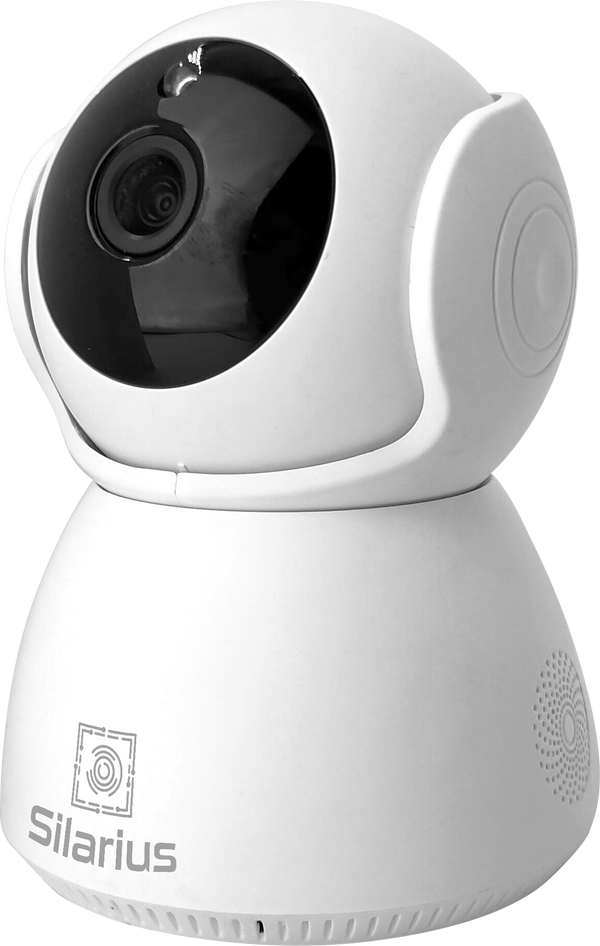
You need four things: your cameras (any ONVIF or RTSP IP camera, or an NVR or DVR with cameras on it), a stable internet connection at the site, a Silarius Gateway on the same network as the cameras, and a Silarius Cloud account. Cameras from the Silarius X range skip the Gateway entirely: they connect straight to the cloud on their own.
Step 1: Check Camera Compatibility
Most business IP cameras made in the last decade support ONVIF, the common standard that lets cameras talk to other systems. Look for ONVIF in your camera's settings menu and make sure it is turned on. Not sure about a model? Type it into the free Silarius compatibility checker and it tells you how that camera, NVR or DVR connects.
Older analog cameras connect through their DVR: if the DVR supports ONVIF or RTSP, its cameras can be added through the Gateway too.
Step 2: Set Up the Silarius Gateway
Plug the Gateway into your router or network switch and power it on. It finds the ONVIF cameras on your network automatically, and you add each one with a single click. Every camera gets its own registration code. The Gateway sends video out to the cloud over an encrypted connection, so you never open ports on your router. One Gateway handles up to 50 cameras.
Step 3: Add Your Cameras in Silarius Cloud
In Silarius Cloud Admin, click Add, choose plug and play, paste the camera's registration code from the Gateway, and enter the camera's ONVIF user name and password. The camera appears in your account within a minute or two. The step-by-step Gateway guide in the Silarius Academy walks through every screen.
Step 4: Choose Recording Quality and Retention
Each camera gets its own plan. Pick the recording quality and how long to keep video, from a few days up to a year on standard plans, with custom plans available for longer. Plans start at $6.99 per camera, per month; see Silarius Cloud pricing. Smart AI detection, such as people and vehicle alerts or license plate recognition, is available as an add-on.
Step 5: Watch From Anywhere
Your cameras are now live in the cloud. Sign in from any web browser or the mobile app to watch live video, review recordings, save and share clips, and manage alerts. No VPN and no port forwarding.
Connecting an Existing NVR or DVR
Already have a recorder running several cameras? Keep it. Turn on ONVIF (or RTSP) on the NVR or DVR, then add it in the Silarius Gateway once for each camera on it, using the same address and ports each time. Each copy gets its own registration code, and each camera is added to Silarius Cloud on its own, so every channel shows up in your account while the recorder keeps recording locally as a backup. One thing to know: smart AI can be limited for cameras behind a recorder, because many recorders don't pass camera event data along. The NVR and DVR guide in the Silarius Academy shows every step.
Planning a New System Instead?
If you're starting from scratch or adding cameras, the free Silarius Site Planner lets you place cameras on a satellite map of your own property or on a floor plan, and it picks and prices every part, including Silarius Cloud plans.
Troubleshooting Common Connection Issues
If a camera doesn't appear in the Gateway's camera search, ONVIF is usually turned off on the camera, or the network is blocking the Gateway's search. You can also add a camera by hand with its IP address and ports. If a camera shows offline after you add it, the ONVIF user name or password is the usual cause. Make sure the Gateway can reach the internet; it only needs outbound connections.
Questions about your specific camera, NVR or DVR? Silarius customers can get free remote setup help, or contact the Silarius team and we'll confirm compatibility before you sign up.