How to Choose the Right NVR for Your IP Camera System
What Is an NVR and Why Does It Matter?
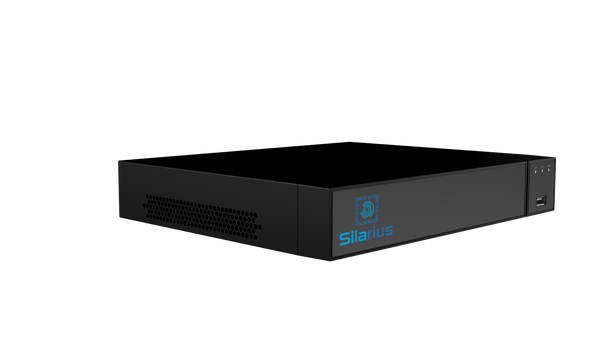
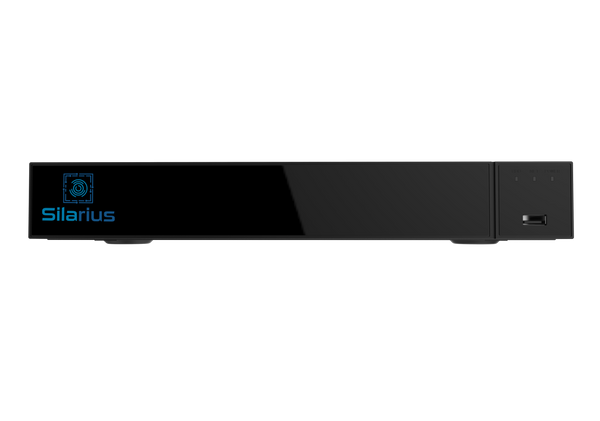
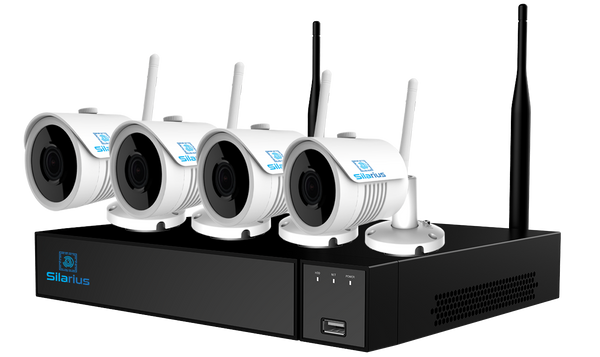
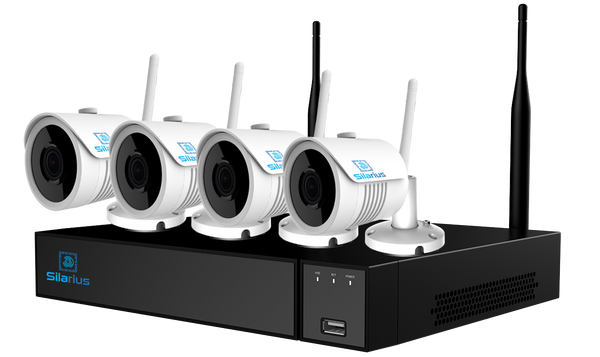
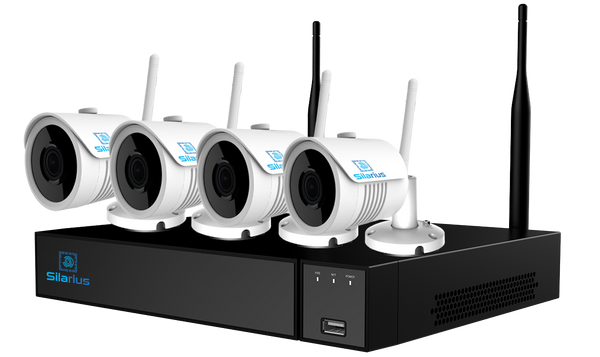
A Network Video Recorder (NVR) is the brain of any modern IP camera system. Unlike older DVRs that encode video at the recorder, an NVR receives pre-encoded streams directly from IP cameras over your network — delivering higher resolution, more flexibility, and far easier scalability. Choosing the right NVR determines whether your surveillance system performs at its peak or becomes a bottleneck. This guide walks you through every specification that matters.
Key Specifications to Compare
1. Channel Count
NVRs are sold by channel count — the maximum number of cameras they can support simultaneously. Common configurations are 8, 16, 32, and 64-channel. Always size up by at least 20-30% to leave room for future expansion. A 16-camera site today may grow to 22 within two years; buying a 32-channel NVR now avoids a costly hardware swap later.
2. Recording Resolution
Modern IP cameras output 4MP, 5MP, 8MP (4K), and even 12MP streams. Your NVR must be capable of recording and playing back at those resolutions simultaneously. Confirm the NVR's maximum recording resolution matches or exceeds your camera specs. A mismatch means the recorder downsamples the feed — wasting camera quality.
3. Bandwidth and Throughput
Measured in Mbps, the NVR's incoming bandwidth cap determines how many high-resolution streams it can handle at once. A 4MP camera at H.265 compression typically uses 3-5 Mbps. Multiply by camera count and add a 20% buffer. Most enterprise NVRs range from 80 Mbps to 320 Mbps total incoming bandwidth.
4. Storage Capacity and HDD Bays
Calculate storage needs before you buy: (Mbps per camera x 3600 seconds x hours per day x retention days x cameras) / 8 = GB needed. An NVR with four HDD bays supporting 8TB each gives 32TB — roughly 30 days of continuous 1080p recording across 16 cameras. For high-resolution deployments, look for NVRs supporting 8-12 HDD bays and drives up to 20TB.
5. H.265 / H.265+ Compression
H.265 compresses video at roughly half the bitrate of H.264 at equivalent quality. H.265+ goes further with smart encoding that reduces bitrate on static scenes. Always choose an NVR with native H.265+ support — it directly halves your storage requirements and network load.
6. PoE Switch Integration
Many NVRs include a built-in PoE switch on the rear panel, powering cameras directly without a separate switch. Verify the total PoE budget (typically 50W to 200W) and per-port power output. A 30W PTZ camera needs a port that can supply 30W — not all ports are equal.
7. RAID and Redundancy
For critical security infrastructure, RAID protects footage against a single drive failure. RAID 1 mirrors data across two drives. RAID 5 distributes parity across three or more drives. Enterprise NVRs supporting RAID 5/6 ensure footage survives hardware failure — important for federal, healthcare, and corporate environments with compliance requirements.
8. ONVIF Conformance
ONVIF is the open standard that allows cameras and NVRs from different manufacturers to communicate. Always verify ONVIF Profile S or Profile T conformance if you are mixing brands. This prevents vendor lock-in and gives you the widest camera selection at future expansions.
9. NDAA Section 889 Compliance
For U.S. government, federal contractor, and grant-funded deployments, this is non-negotiable. NDAA Section 889 prohibits equipment containing components from Hikvision, Dahua, Huawei, ZTE, and Hytera on federal networks. Many NVRs sold under U.S. brand names contain OEM internals from banned manufacturers. Always request a signed NDAA compliance letter and verify the NVR bill of materials. Silarius stocks only NVRs with full NDAA Section 889 Part B documentation available upon request.
10. Cybersecurity Features
Modern NVRs should support HTTPS/TLS encryption for remote access, SFTP for log exports, role-based access control, two-factor authentication, and automatic firmware update notifications. For federal and healthcare deployments, look for FIPS 140-2 compliant encryption modules.
NVR vs. DVR: Which Do You Need?
If your cameras use BNC coaxial cable and are analog, you need a DVR. If your cameras are IP-based and connect via ethernet, you need an NVR. New builds should always deploy IP cameras with an NVR — the resolution, analytics, and remote access advantages are substantial.
Cloud-Managed vs. On-Premise NVR
On-premise NVRs keep footage local and off public networks — preferred for classified environments, healthcare (HIPAA), and high-security sites. Cloud-managed NVRs push motion-triggered clips to the cloud for remote review while storing full footage locally. For most enterprise buyers, a hybrid model offers the best of both worlds: local redundancy with cloud accessibility.
Top Features for Enterprise and Government Buyers
- License plate recognition (LPR) ready: Some NVRs include LPR analytics onboard
- Perimeter intrusion detection: Line-crossing and zone-entry analytics
- Smart search: Filter recordings by motion, human detection, or vehicle
- Hot-swappable drives: Replace failed HDDs without taking the system offline
- Dual power supply: Redundant PSUs for mission-critical deployments
- Remote management: Cloud-based dashboards for multi-site oversight
Questions to Ask Your Supplier
- Is this NVR NDAA Section 889 compliant? Can you provide documentation?
- What is the maximum incoming bandwidth in Mbps?
- Does it support H.265+ on all channels simultaneously?
- What RAID configurations are supported?
- What is the maximum HDD capacity per bay?
- Is the built-in PoE switch managed or unmanaged?
- What is the warranty period and RMA process?
Why Silarius for Your NVR Deployment
Silarius is a GSA Schedule (MAS) holder specializing in NDAA-compliant surveillance infrastructure for federal agencies, defense contractors, healthcare networks, K-12 districts, higher education, and enterprise. Every NVR in our catalog has been vetted for NDAA compliance, and we provide signed compliance letters on request.
Contact our team for a no-obligation NVR sizing consultation, or browse our NDAA-compliant NVR catalog.