Clocks Go Back This Sunday: Get Your Security Cameras Ready for Longer Nights
At 2 a.m. this Sunday, November 1, the clocks go back an hour. From Monday evening the sun sets an hour earlier, and for the next four months most of the hours your business is closed will be dark. Staff lock up in the dark, deliveries arrive in the dark, and the parking lot sits in the dark for twelve hours or more. For most properties, night footage is about to become most of the footage.
That makes this weekend a good moment to check that your cameras are ready for it. None of the steps below need new equipment, and most take a few minutes per camera.
1. Check every camera's clock on Monday morning
A timestamp is what turns a video clip into evidence. When the clocks change, any camera that isn't set to adjust for daylight saving time, or isn't syncing its time from the network, will be an hour off. And the night of the change itself has two 1 a.m. hours, which is exactly the kind of detail that causes confusion when someone asks for "the footage from 1:30".
On Monday, open each camera and your recorder and compare their time with your phone. Make sure each one has the right time zone with daylight saving enabled, and that automatic time sync is turned on. If cameras record to an on-site recorder, the recorder and every camera should agree to the second. Footage from three cameras that disagree by a few minutes is much harder to piece together after an incident.
2. Move your schedules with the sunset
Many systems run on clock-based schedules: motion alerts that only arm after closing, recording that switches to continuous overnight, or lights on timers. A schedule set in summer to start at 8 p.m. now leaves three hours of darkness unwatched every evening. Go through your alert and recording schedules and either move the start time earlier or switch to all-day alerts with sensible detection zones. Do the same for any exterior lighting on a timer rather than a light sensor.
3. Look at your live view after dark
A camera that looks perfect at noon can be close to useless at 6 p.m. Pull up every camera after dark this week and look for the usual problems:
- Infrared glare. A camera mounted close to an eave, wall or gutter can bounce its own infrared light back into the lens and wash out the picture. Angling it a few degrees away usually fixes it. Never point an infrared camera through a window; the glass reflects the light straight back.
- Spider webs. Autumn is peak spider season, and infrared light draws insects, which draw spiders. A single strand in front of the lens shows up as a bright streak and can trigger motion alerts all night. Wipe the housing and check again in a couple of weeks.
- Bright light in the frame. A floodlight, street lamp or car headlights pointing at the lens will darken everything else in the picture. Re-aim the camera or the light so the light falls on the scene, not into the camera.
- Dark corners. The far end of a lot, a side door or a dumpster area that is fine in daylight may simply be out of reach at night.
4. Know what your cameras can actually see at night
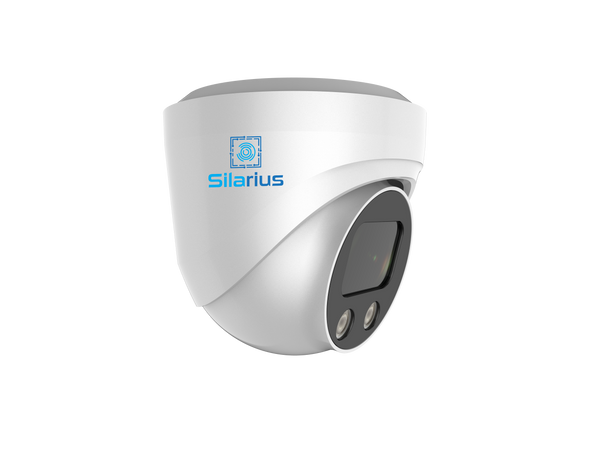
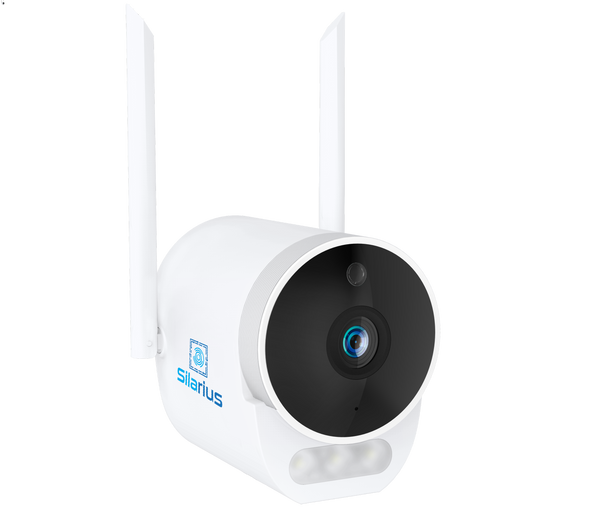
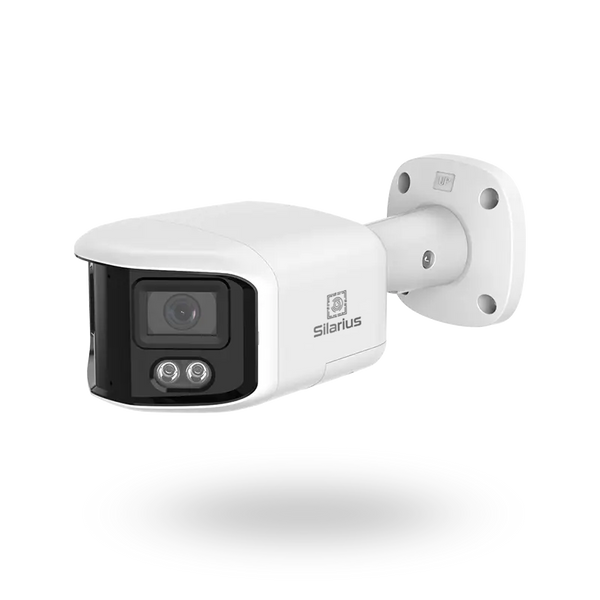
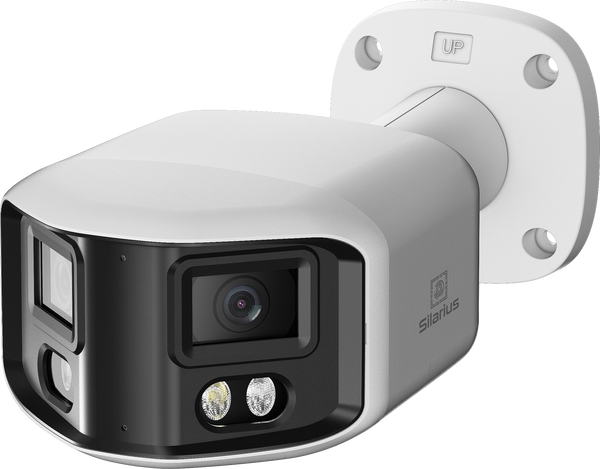
Most security cameras switch to infrared at night and record in black and white. That is fine for spotting that someone is there, but it loses the details that matter afterwards, such as the color of a jacket or a car. If a position covers an entrance or a parking area where those details count, a color night camera is worth considering. The Silarius SIL-B4MPNC6 4MP Night Color bullet and the compact SIL-MB4MPNC28AU Night Color mini bullet are built for color imaging in low light, and both are NDAA compliant.
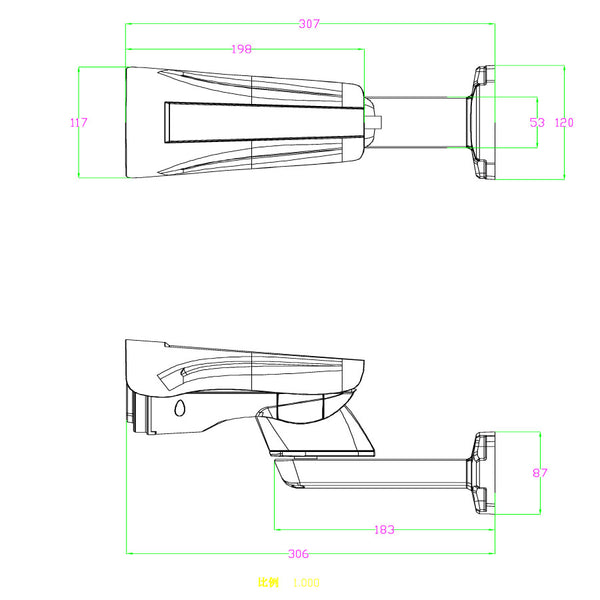
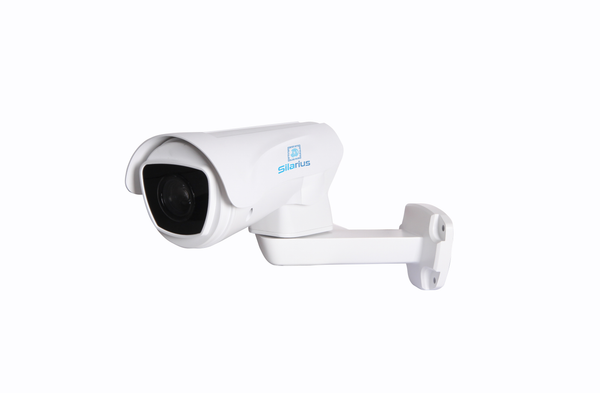
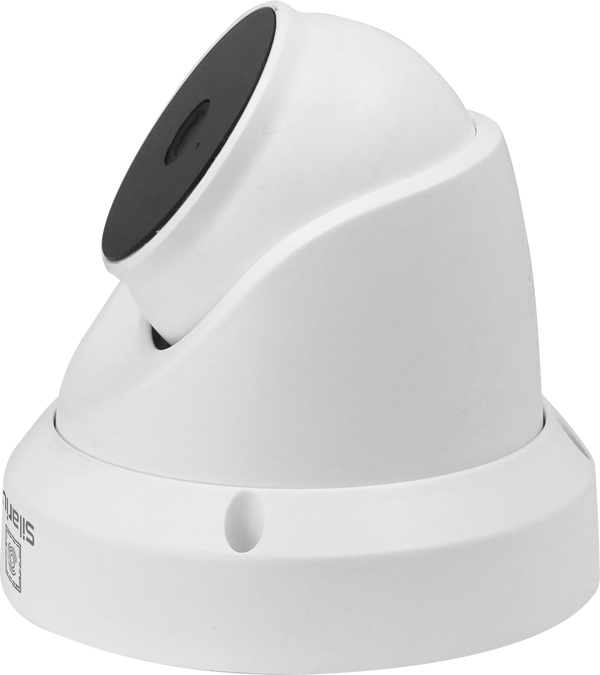
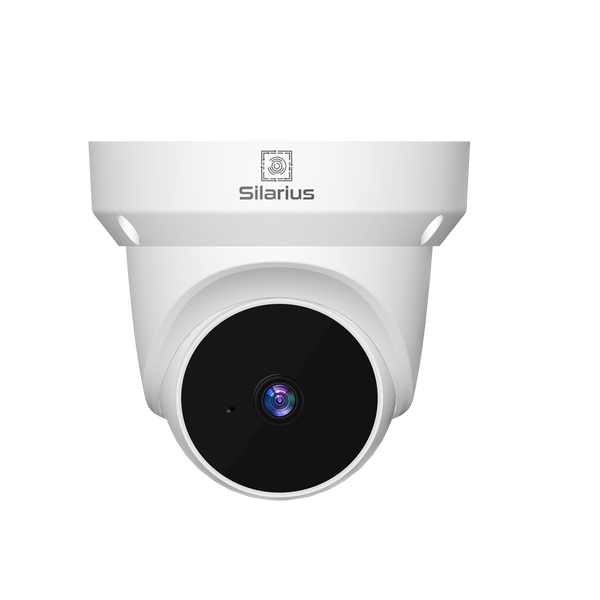
For positions where infrared is the right tool, the Silarius X range includes the SIL-XT5MP28AU 5MP IR turret and the SIL-XB8MP28AU 8MP IR bullet. For a large lot or yard, the SIL-XPTZ8MP40X 8MP 40x starlight IR PTZ covers ground that would otherwise take several fixed cameras.
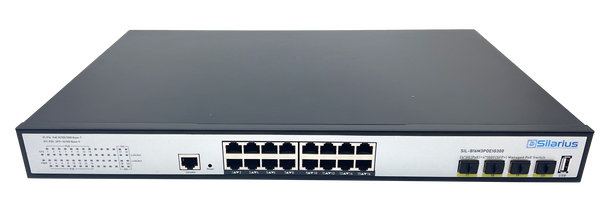
Distance matters more at night, too. A camera that identifies faces at the door may only recognize that a person is present by the time they reach the far side of the lot. If the after-dark check turns up gaps, the free Silarius Site Planner is a quick way to work out what to add. You type in your address, place cameras on satellite imagery of your own property, and choose the job for each position: a general view, recognizing people, identifying faces or reading licence plates. The planner picks the least expensive Silarius camera that reaches that distance and warns you when a position is too far for the job, then sizes the PoE switch, recorder and drive to match, with everything priced live and an editable parts list you can send to your cart, print as a PDF or share with a link.
5. Plan for more footage and more alerts
Longer nights mean more hours of recording and, usually, more motion events: headlights sweeping across the lot, wind moving branches, and later in the season rain and snow. Tighten detection zones so alerts focus on doors, gates and walkways rather than the road. If your recorder is set to keep a fixed number of days, check it still holds that much once nights are longer and more motion is recorded. Our guide to how long to keep security footage covers how to choose that number.
Dark evenings are also when break-ins are most likely, and footage stored only on the premises can leave with the intruder. Silarius Cloud keeps recordings off site: each IP camera sends its video to the cloud over an outbound encrypted tunnel, so there is no port forwarding or VPN to set up, and what has been recorded there doesn't depend on anything at the property surviving. It works with any IP camera model; existing cameras connect through the Silarius Gateway, and Silarius X cameras connect straight to the cloud with no gateway. You choose a recording quality per camera (Mobile at 720p, Pro at 1080p, or 4K) and a retention period from a few days up to a year, with custom plans keeping video for up to three years. Optional AI search for people and vehicles makes it far quicker to find the one event in a twelve-hour night. Plans start at $6.99 per camera, per month, with no long-term contract.
6. Get ready for winter weather
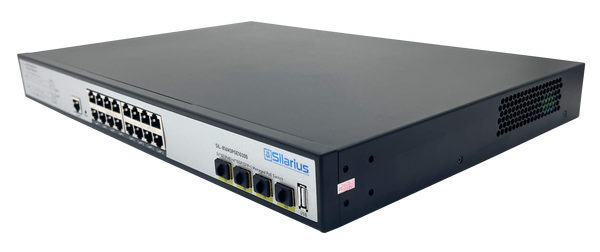
The clock change is also a good reminder that winter storms are coming. Check that outdoor cameras are sealed and their cable connections are protected, and that your recorder and network switch are on a battery backup. Our post on keeping cameras recording through a power outage walks through that in detail.
Your weekend checklist
- Monday morning: confirm the time on every camera and the recorder, with automatic time sync and daylight saving enabled.
- Move alert, recording and lighting schedules to match the earlier sunset.
- Check every camera's live view after dark for glare, webs, bright lights and dark corners.
- Consider color night cameras for entrances and parking, and re-plan any positions that are too far to see at night.
- Tighten detection zones, check your retention, and keep an off-site copy of your footage.
An hour of work this weekend means the long nights ahead are recorded clearly, timestamped correctly and kept safe, which is the whole point of having cameras in the first place.