Multi-Location Video Surveillance: How to Manage Security Across Every Site From One Dashboard
Opening a second location is a milestone. Opening a fifth, tenth, or fiftieth is an operations problem — and nowhere does that show up faster than in security. Every new site typically arrives with its own camera system, its own login, and its own set of habits, until a regional manager is juggling a stack of browser tabs just to see whether the loading dock door was propped open in three different cities.
As more businesses open new locations ahead of the Q4 shopping season, the gap between “we have cameras at every site” and “we can actually see and act on what those cameras capture” is one of the most common security pain points we hear about. Here’s how to close it without ripping out a single camera you already own.
The Real Problem With Location-by-Location Security
Most multi-site security sprawl doesn’t happen on purpose. It happens one location at a time: the first store gets an NVR and a handful of cameras, the second store’s contractor sets things up slightly differently, and by location five, nobody at the head office has a single view of what’s actually being recorded, how long it’s kept, or whether every site is even online.
That fragmentation creates three concrete costs:
- Blind spots during incidents. When something happens overnight at a location three states away, someone has to remember which login goes with which building before they can even start looking.
- Inconsistent retention. One site keeps 30 days of footage, another keeps 7, and nobody finds out the gap exists until an insurance claim or a loss-prevention investigation needs footage that’s already been overwritten.
- No shared visibility. Activity flagged at one site never gets cross-checked against another, because the systems simply don’t talk to each other.
What “Unified” Should Actually Mean
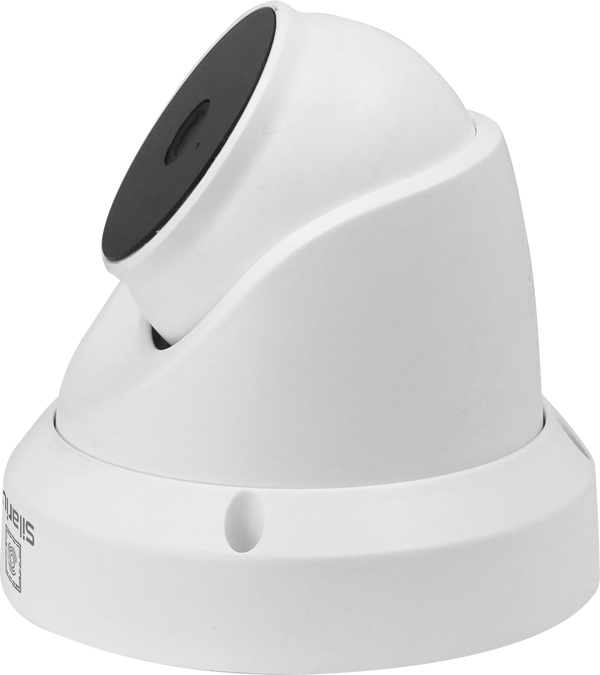
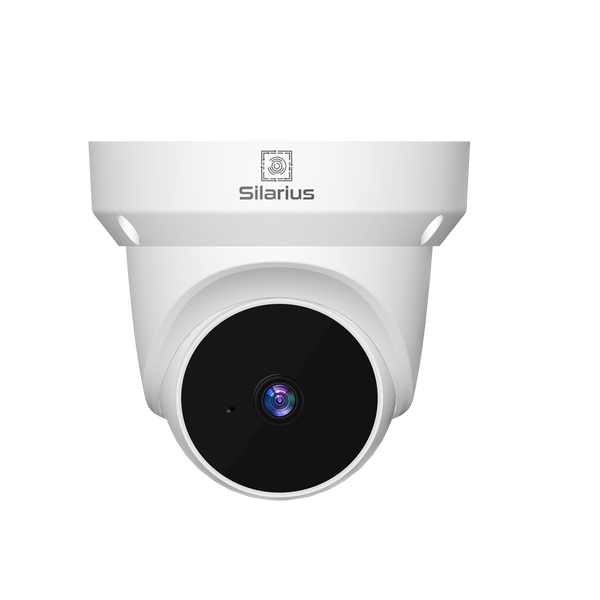
The fix isn’t a forklift upgrade of every camera at every site. It’s putting a single, cloud-based layer on top of the hardware that’s already installed. Silarius Cloud is built around exactly that idea: it connects to your existing IP cameras over standard ONVIF and RTSP protocols — whatever brand they happen to be — so there’s no rip-and-replace required to bring every site under one roof.
Once connected, every location shows up in the same dashboard. One login, one map of sites, one place to pull footage, whether you’re checking on the flagship store or the warehouse across the country.
Keep Every Camera You Already Own
This is the part that surprises people most: you don’t need matching hardware across locations to get unified management. As long as a site’s cameras speak ONVIF or RTSP — the industry-standard protocols nearly every IP camera on the market supports — they can be brought into the same cloud platform as your newest install. That matters for growing businesses, where location three might run equipment installed by a previous tenant, a franchisee’s own contractor, or a system inherited through an acquisition.
Consistent AI, Even on Older Cameras
Unifying the dashboard is only half the value. Silarius Cloud also applies AI analytics — motion detection, person and vehicle detection, facial recognition and license plate recognition (ALPR), and loitering detection — on top of any connected camera, regardless of what that camera can do natively on its own. A five-year-old fixed camera at your oldest location can flag a loitering person in the parking lot just as reliably as a brand-new install at your newest one, so every site gets the same intelligence without a hardware refresh.
Retention and Compliance Without the Guesswork
Multi-site retention policy is one of the easiest things to get quietly wrong. Silarius Cloud standardizes it: choose a few days up to a year of cloud retention, and every connected site follows the same policy — backed by AWS storage with redundant, scalable infrastructure and encryption end to end, in transit and at rest. For organizations that need to document compliance, the platform’s infrastructure is also built to NDAA Section 889 standards.
Give Each Site a Solid Backbone
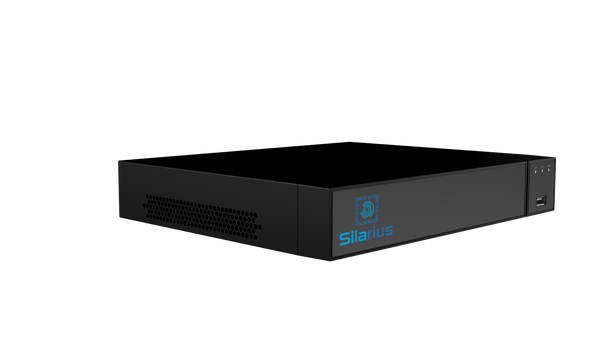
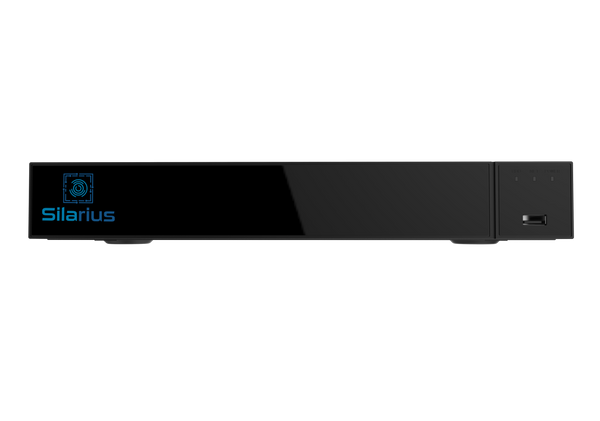
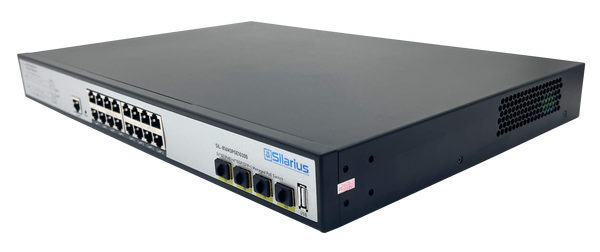
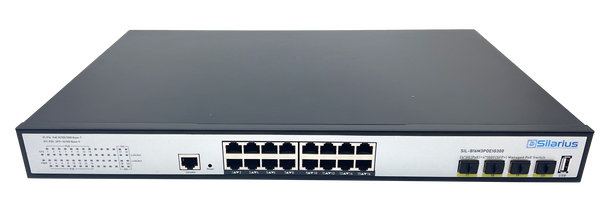
Cloud management is only as good as the network underneath it. For a new location, a managed PoE switch and a local NVR still matter — the NVR buffers footage on-site even if internet drops, and a managed switch keeps every camera powered and on its own VLAN. Silarius stocks its own PoE switches, like the SIL-A48M3POE1G800 managed 48-port PoE+ switch, and its own recorders, like the SIL-NVR16CHPOE 16-channel 4K PoE NVR, for exactly this role — reliable on-site recording hardware at each location once it’s installed. We cover the switch side of that decision in more detail in our PoE switch buying guide.
Built to Scale With You
Whether you’re managing four cameras at one office or four thousand across a national footprint, the same dashboard scales with you. Silarius Cloud offers a 30-day free trial with no credit card required — enough time to connect your first two or three locations and see the unified view for yourself before rolling it out everywhere else. For more on why cloud-based retention beats juggling hard drives at every site, see our earlier post on why your security footage belongs in the cloud.
Growth shouldn’t mean losing visibility into the locations you already have. Learn more about Silarius Cloud’s multi-site management or start your free trial today.