NVR vs. DVR: What Is the Difference and Which Should You Buy?
NVR (Network Video Recorder) and DVR (Digital Video Recorder) are both used to record security camera footage — but they work with fundamentally different types of cameras and infrastructure. Understanding the difference is the first step in planning a security system that will serve you for years.
What Is a DVR?
A DVR records video from analog cameras connected via coaxial (coax) cable. The analog camera captures video and transmits a raw analog signal over the coax wire. The DVR receives this signal and converts it to digital video for storage on a hard drive.
Key characteristics of a DVR system:
- Requires coaxial cable (RG59 or RG6) from each camera to the DVR
- Works with HD-TVI, HD-CVI, AHD, and CVBS (standard definition) analog cameras
- Modern DVR formats support up to 4K resolution (TVI 4.0 and similar)
- PoE (Power over Ethernet) is not used — cameras typically need a separate power run
- Lower cost per camera for basic resolutions
- Best for upgrading existing coax-wired buildings
What Is an NVR?
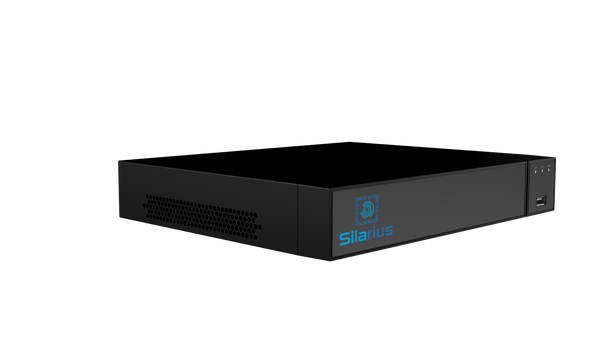
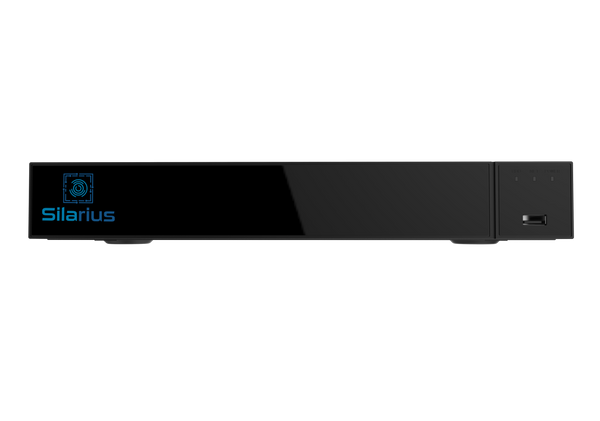
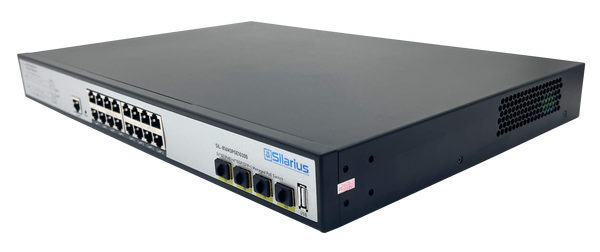
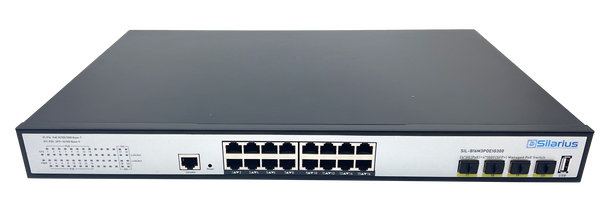
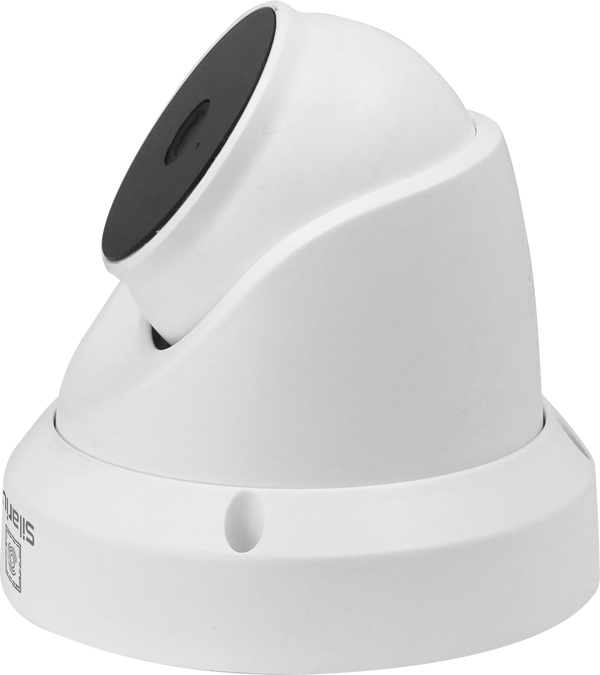
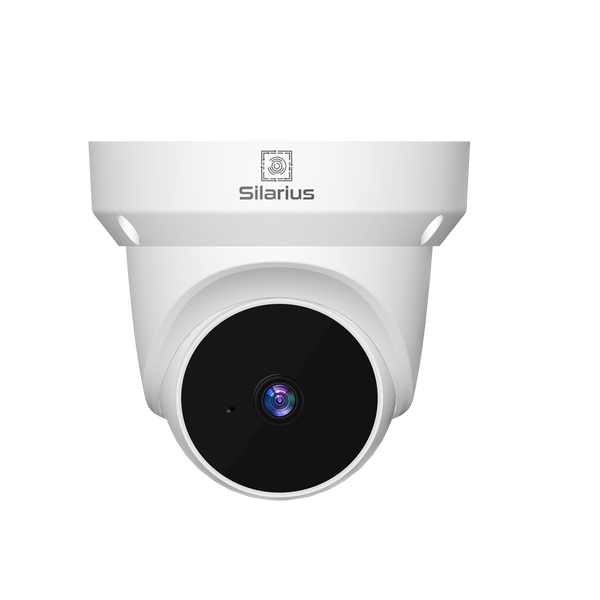
An NVR records video from IP (Internet Protocol) cameras connected via Ethernet (Cat5e/Cat6) cable. The IP camera processes video internally and transmits a compressed digital stream over the network to the NVR for storage. Many NVRs include a built-in PoE switch so cameras can be powered and networked through a single Ethernet cable.
Key characteristics of an NVR system:
- Uses Ethernet cable (Cat5e or Cat6) from each camera to the NVR or PoE switch
- Works with IP/PoE cameras from any ONVIF-compliant manufacturer
- Supports higher resolutions more easily — 4MP, 8MP, 4K, and beyond
- PoE cameras receive power and data over the same single cable
- Built-in PoE NVRs simplify installation — no separate switch required
- Easier to scale and integrate with cloud/VMS platforms
NVR vs. DVR: Head-to-Head
| Factor | NVR | DVR |
|---|---|---|
| Camera type | IP / PoE cameras | Analog cameras (HD-TVI, AHD, CVI, CVBS) |
| Cable type | Ethernet (Cat5e/Cat6) | Coaxial (RG59/RG6) |
| Power to camera | PoE — single cable for data and power | Separate power run required |
| Max resolution | 4K, 8MP, 12MP and beyond | Up to 4K (TVI 4.0); most systems at 4-8MP |
| AI analytics | Full AI in the camera; richer edge analytics | Limited — AI runs in the DVR, not the camera |
| Cable run distance | Up to 100m per segment (extend with switches) | Up to 500m over coax (with signal amplifiers) |
| Installation cost | Lower for new buildings (one-cable runs) | Lower for existing coax buildings |
| Remote access | Native network integration, easy remote view | Requires network adapter or built-in LAN port |
| Scalability | High — add cameras anywhere on the network | Limited by DVR channel count |
Which Should You Choose?
Choose an NVR if:
- You are starting a new installation in a new building (run Ethernet, not coax)
- You need AI analytics like person detection, license plate recognition, or heat mapping
- You want 4K or higher resolution with edge processing in the camera
- You need easy scalability — adding cameras to a network is simpler than adding coax runs
- You want PoE for clean single-cable camera installations
- You are deploying in a government or regulated environment where NDAA compliance is required (IP cameras from NDAA-verified vendors are more widely available)
Choose a DVR if:
- Your building is already wired with coaxial cable — reusing existing infrastructure saves significant installation cost
- Your camera locations are far from the recorder (coax runs up to 500m vs. 100m for PoE Ethernet)
- Your budget is limited and standard-definition analog cameras are adequate for the application
What About Hybrid DVRs?
Many modern DVRs are actually hybrid recorders — also called Penta-brid or XVR recorders — that support analog cameras on coax ports AND a limited number of IP cameras over the network. This allows mixed installations and a gradual migration from analog to IP.
NDAA Compliance for NVR and DVR Systems
NDAA Section 889 prohibits using cameras or recording equipment from banned manufacturers (Hikvision, Dahua, Huawei, ZTE, Hytera) in any government-funded installation. Silarius Pro Series NVRs are NDAA-verified. If you are using third-party analog cameras on a DVR, verify each camera model individually against the prohibited manufacturer list.
For new government installations, an NVR-based IP system using Silarius Pro Series cameras is the safest path to full NDAA compliance. Shop NDAA-compliant NVRs or contact Silarius for a system design consultation.