Holiday Retail Security Checklist: What to Fix Before Black Friday 2026
Q4 is when a retail security system earns its keep. Foot traffic climbs, seasonal staff rotate in and out, stockrooms fill with higher-value inventory than they'll see the rest of the year, and returns season brings its own wave of disputes to sort through on camera. None of that is the time to discover a blind spot, a full hard drive, or a camera that's been offline since August. Here's what's worth checking now, before Black Friday and Cyber Monday put the system to the test.
Walk the floor and look for new blind spots
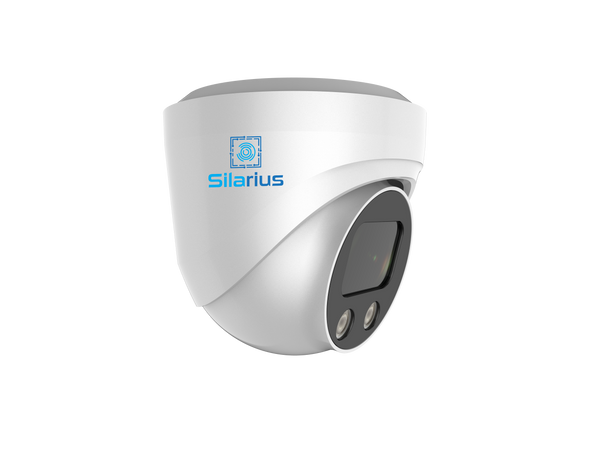
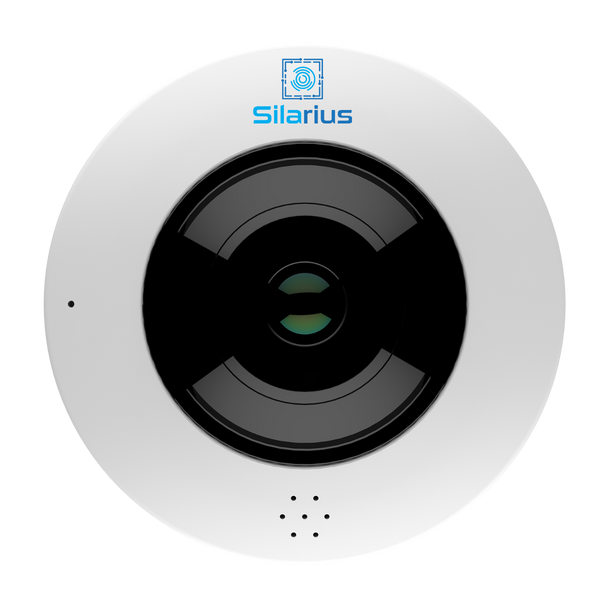
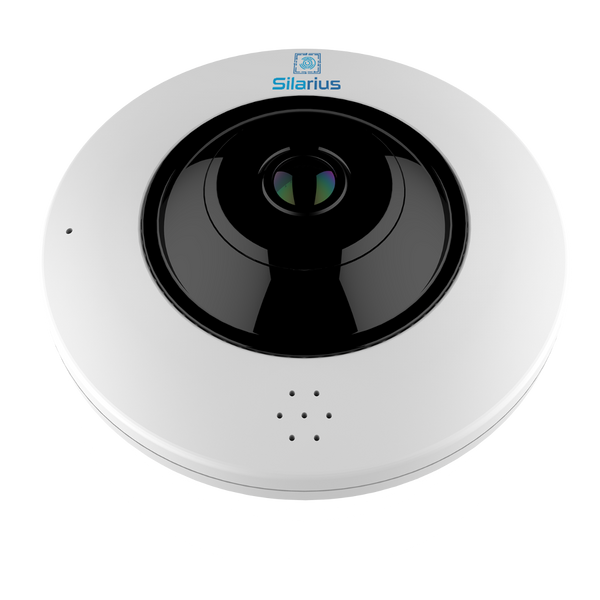
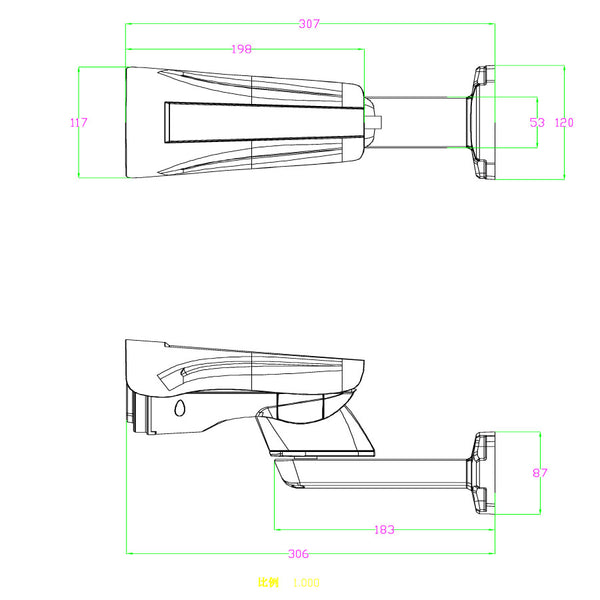
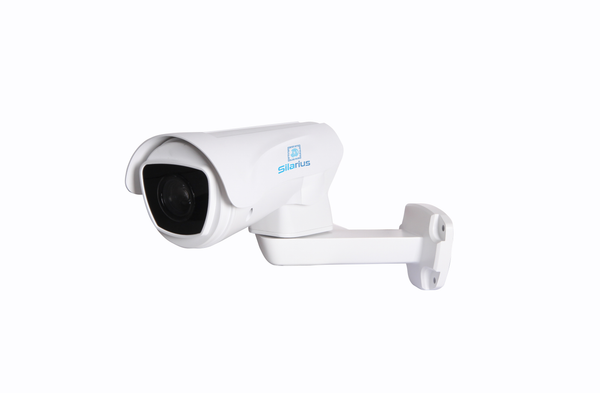
Seasonal displays, end caps, and pallet stacking change your sightlines every year, even if your camera positions haven't moved. A fixed camera that covered an aisle in July can be blocked by a holiday endcap in November. Before the season ramps up, walk the floor the way a customer would and check what each camera actually sees today — not what it was mounted to see originally. Gaps around high-value displays and point-of-sale areas are the ones worth fixing first. A Silarius SIL-B5MPPTZ10 PTZ camera with 10x optical zoom is useful for covering a wide, changing floor layout from one mount, since it can be repositioned without pulling new cable, and a SIL-F12MP 360-degree fisheye camera handles a stockroom or a small sales floor from a single ceiling mount instead of stitching together several fixed cameras.
Check storage headroom before the busiest weeks hit
Continuous recording at higher resolutions fills a drive faster than most people expect, and holiday traffic multiplies the footage a system generates in a given week. If your NVR's drive is already close to full on a normal week, it won't make it through Black Friday weekend before it starts overwriting older footage — exactly the footage you'll want if a return dispute or a shrink incident surfaces afterward. This is also the point to confirm your recorder can actually keep up with the cameras you're running: the Silarius SIL-NVRAI162 handles up to 36 channels at 4K with on-device face recognition if you need that level of detail at entrances or registers, while the SIL-NVR4K16 covers a smaller site with 16 channels and 8 built-in PoE ports. See our full NVR buying guide for how to size a recorder to your camera count.
Make sure your network can carry the extra cameras
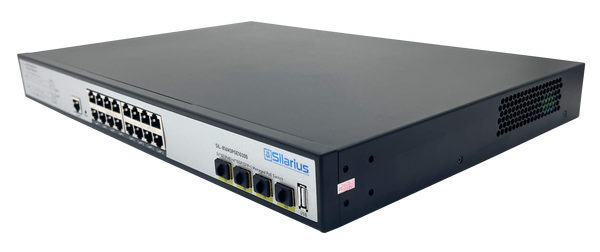
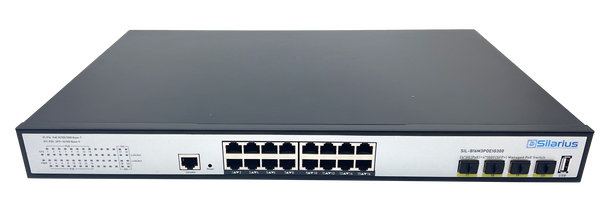
Seasonal pop-up displays and temporary registers often mean a handful of extra cameras added for the quarter — and those need PoE ports and power budget that your existing switch may not have spare. Before adding cameras, check what your current switch's PoE wattage budget actually has left, rather than assuming there's headroom. A Silarius SIL-A8POE1G120 gives a smaller site 8 PoE+ ports and 120W of budget for a few extra cameras, and the SIL-A16POE1G150 steps up to 16 PoE+ ports for a larger seasonal build-out. For the full breakdown of PoE budgets and port counts, see our PoE switch buying guide.
Managing more than one store over the holidays
If you're running multiple locations, the holiday season is exactly when you don't want to be physically driving between sites to check on things, or waiting until Monday to find out something happened at a store over a busy weekend. That's where a unified view across every location matters most — we cover setting that up properly in our guide to managing video surveillance across every site from one dashboard.
Add cloud backup and remote access before the rush, not after
Silarius Cloud connects to the IP cameras you already have — any ONVIF/RTSP camera, whatever brand it is — so you can add off-site backup and remote access without replacing anything. Footage is stored on AWS-backed infrastructure with redundant, scalable storage and encryption end to end, in transit and at rest, with your choice of per-camera retention from a few days up to a year. Given how long return and chargeback disputes can drag on after the holidays, it's worth setting retention on the longer end for the season. On top of storage, Silarius Cloud layers AI analytics — motion, person and vehicle detection, face recognition, license plate recognition, and loitering detection — on any connected camera, so you get more useful footage without swapping hardware. For anyone watching multiple stores, the dashboard shows every location in one place, and the whole system scales from a single 4-camera site up to 4,000+ cameras across a full portfolio. A 30-day free trial with no credit card lets you test it against your own footage before the season starts.
The short version
Walk the floor and fix blind spots created by seasonal displays, confirm your NVR has the storage headroom for a busier quarter, check that your switch has PoE budget left for any temporary cameras, and get remote, cloud-backed access in place before the first big weekend — not after something happens during it. A system that's ready in October doesn't need a scramble in November.