Best Security Camera System for Small Business: 2024 Buyer's Guide
Why Small Businesses Need a Purpose-Built Security System
Small businesses face the same physical security threats as large enterprises — theft, vandalism, break-ins, liability claims — but with a fraction of the budget and rarely a dedicated IT team to manage infrastructure. The right security camera system for a small business must be easy to install, simple to manage, affordable to scale, and capable enough to deter real threats. This guide cuts through the marketing noise and tells you exactly what to buy, what to skip, and what questions to ask before you spend a dollar.
What to Look for in a Small Business Security Camera System
Resolution: 4MP or Higher
1080p (2MP) cameras are the minimum acceptable resolution for any business deployment. For license plate capture, facial identification, or evidentiary footage, 4MP (2688x1520) is the practical floor. 4K (8MP) cameras deliver the sharpest detail but require more storage and bandwidth — well-suited for entry points and cash registers where maximum detail matters. For general coverage of parking lots and hallways, 4MP is the sweet spot of cost and quality.
Indoor vs. Outdoor Coverage
Outdoor cameras require an IP66 or IP67 weather rating, vandal-resistant IK10 housing, and wide dynamic range (WDR) for bright doorway scenes. Indoor cameras can be smaller and less ruggedized, but should still have WDR for rooms with windows. Map your coverage zones before purchasing: entry and exit points, cash registers, server rooms, parking areas, and loading docks are priority one.
Night Vision: IR vs. Color Night Vision
Standard infrared (IR) night vision turns footage black-and-white after dark. Color night vision cameras use large aperture lenses and high-sensitivity sensors to record in full color at low light — critical if you need to distinguish clothing colors or vehicle colors in overnight incidents. For high-priority areas, budget for color night vision cameras. IR is acceptable for secondary zones.
Wired vs. Wireless
Wired PoE (Power over Ethernet) cameras are the professional standard for business security systems. A single Cat6 cable carries both power and video — no separate power supply needed, no Wi-Fi dead zones, no battery maintenance. Wireless cameras are convenient for temporary deployments or locations where running cable is impractical, but they introduce points of failure (Wi-Fi interference, battery depletion, signal jamming) that wired systems avoid entirely. For a permanent business installation, always choose wired PoE.
Local Storage vs. Cloud
Cloud-only systems charge monthly fees that compound quickly: at $30-50 per camera per month, a 12-camera system costs $360-600 per month ongoing. Local NVR storage has a one-time hardware cost and zero monthly subscription. Hybrid systems (local NVR + cloud backup of key clips) offer the best of both worlds. For most small businesses, a local NVR with 30 days of continuous recording storage, plus optional cloud alerts for motion events, is the optimal architecture.
Recommended System Configurations by Business Size
Micro Business (1-4 Cameras)
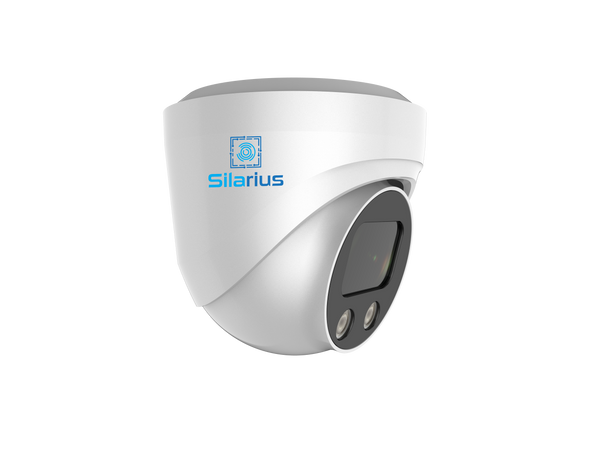
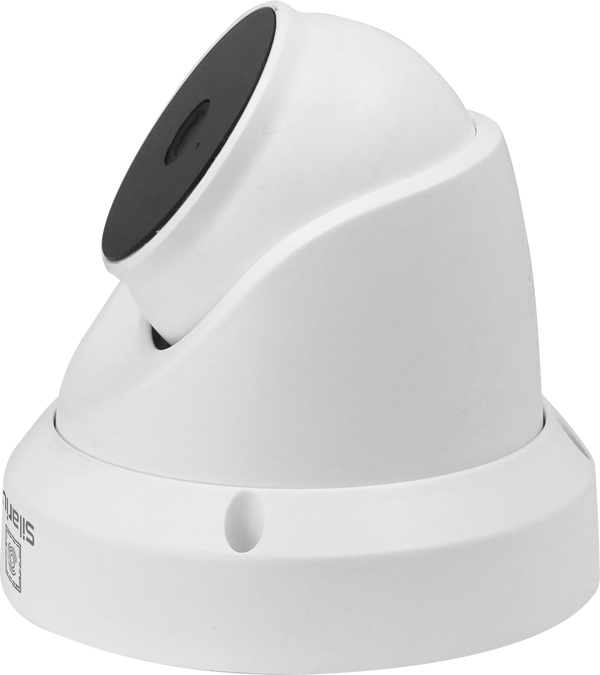
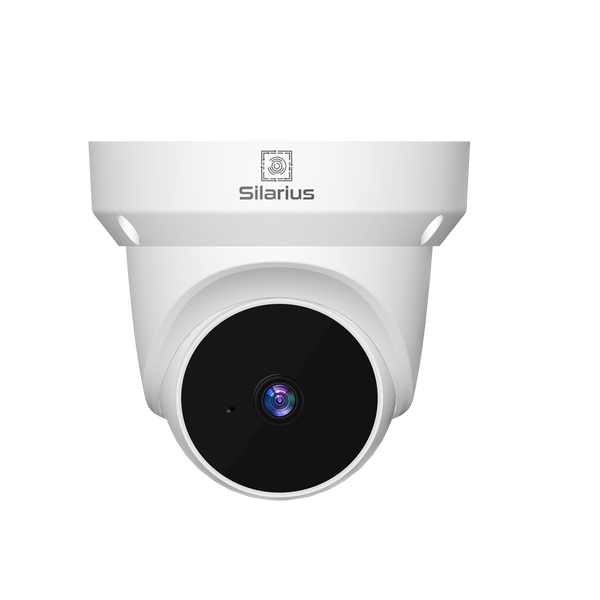
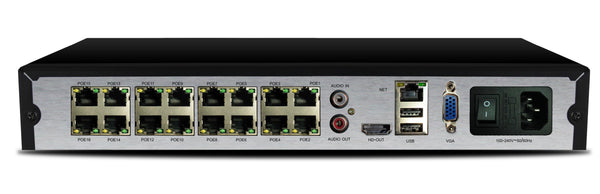
Ideal for: solo retail stores, small offices, storage units, restaurants. Recommended: 4-channel PoE NVR with 2TB HDD pre-installed, 4x 4MP turret cameras with color night vision, Cat6 cable kit. Budget range: $400-700. This configuration provides 30+ days of recording at 1080p continuous, or 15-20 days at 4MP. Remote viewing via mobile app is included on most modern NVR platforms.
Small Business (5-16 Cameras)
Ideal for: multi-room offices, automotive dealers, medical clinics, gyms, warehouses. Recommended: 16-channel PoE NVR with 4TB HDD, mix of 4MP fixed cameras for interior and 5MP varifocal cameras for parking lots and entry points, managed PoE switch if the NVR built-in PoE is insufficient. Budget range: $1,200-2,500. Varifocal lenses (2.8-12mm) allow you to zoom in on specific areas during installation without replacing cameras later.
Growing Business (17-32 Cameras)
Ideal for: multi-location retailers, car washes, apartment complexes, hotel properties, food distribution facilities. Recommended: 32-channel NVR with RAID 1 or RAID 5 storage (8TB+), a mix of fixed and PTZ cameras for wide-area coverage, separate managed PoE switches per camera cluster. Budget range: $3,500-8,000. At this scale, a video management software (VMS) platform becomes valuable for multi-camera review and alert management.
Must-Have Features for Business Security Cameras
- Motion-triggered recording: Reduces storage use dramatically — record continuously at lower resolution, switch to full resolution on motion detection
- Smart detection: Human detection vs. motion detection reduces false alerts from passing cars and animals
- Two-way audio: Deter incidents in real time by speaking through the camera from your phone
- License plate capture: Dedicated LPC cameras for parking areas use narrow FOV and optimized exposure for plates
- Mobile app access: View live and recorded footage from your smartphone — look for apps that don't require monthly fees
- Email and push alerts: Instant notification on motion, tampering, or camera offline events
What to Avoid
- Banned-brand cameras: Hikvision and Dahua are barred from federal facilities under NDAA Section 889. Even for non-federal small businesses, their cybersecurity track record is poor — multiple documented backdoors and CVEs have been published. Choose NDAA-compliant alternatives from the same manufacturers that supply U.S. government agencies.
- Consumer-grade cameras: Wyze, Arlo, and Ring are designed for home use. They lack the recording quality, retention controls, and access management that business security requires.
- Cloud-only systems with mandatory subscriptions: Verkada, Rhombus, and similar platforms can cost $80-120 per camera per year or more. The hardware is locked to their cloud — if you cancel, the cameras stop working.
- Single-cable analog HD (HDCVI/AHD): While cheaper upfront, analog HD systems are a dead end. They cannot run analytics, cannot be easily expanded with non-proprietary cameras, and max out at resolutions that IP cameras exceeded years ago.
Installation: DIY vs. Professional
Small systems of 4-8 cameras can be DIY-installed by anyone comfortable running ethernet cable and accessing a router. NVR plug-and-play (PnP) auto-detects cameras plugged into its built-in PoE ports with zero configuration. For systems over 8 cameras, or any deployment requiring conduit, exterior mounting on masonry, or integration with access control, hire a licensed security integrator. A professional installation ensures optimal camera placement, proper cable management, and a system that performs as designed.
How Silarius Helps Small Businesses
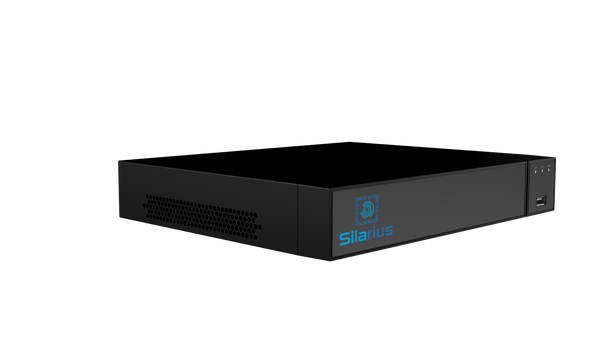
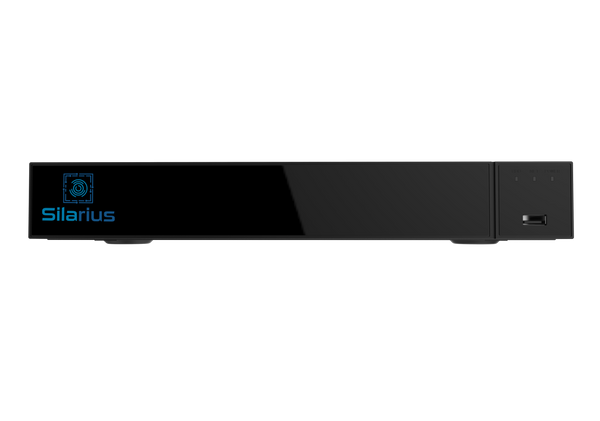
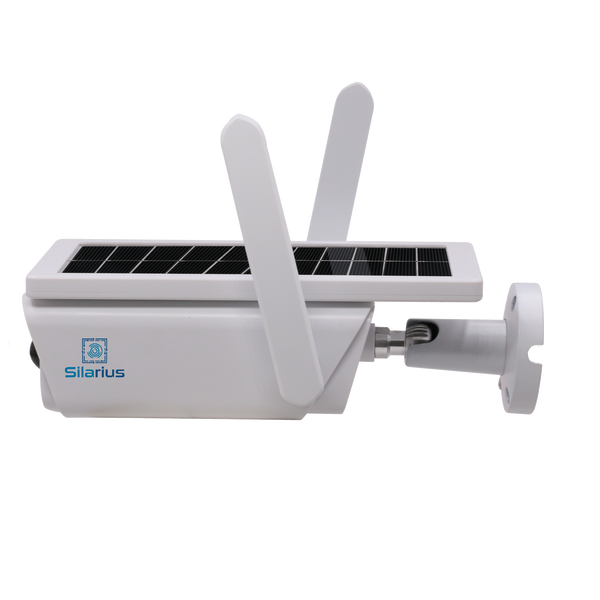
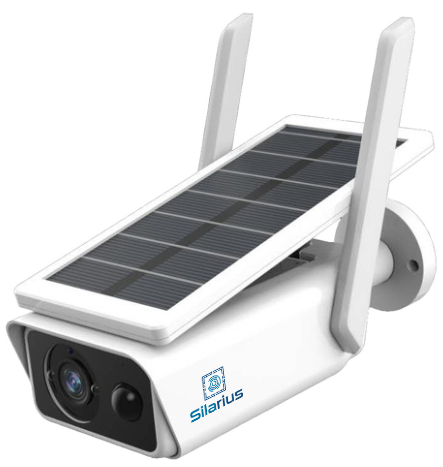
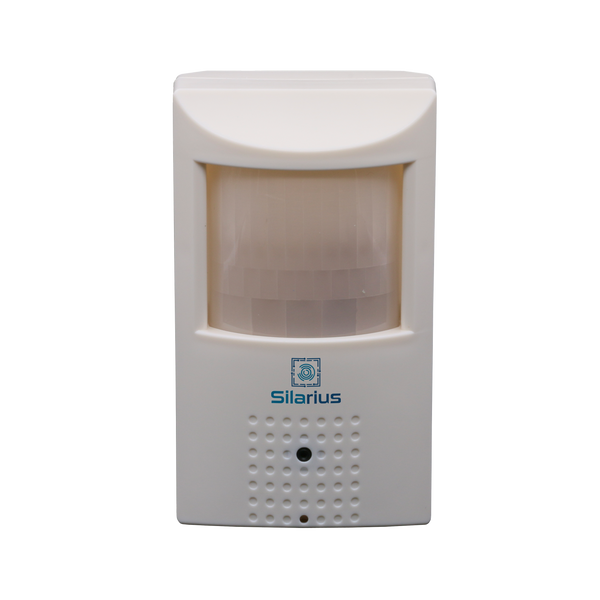
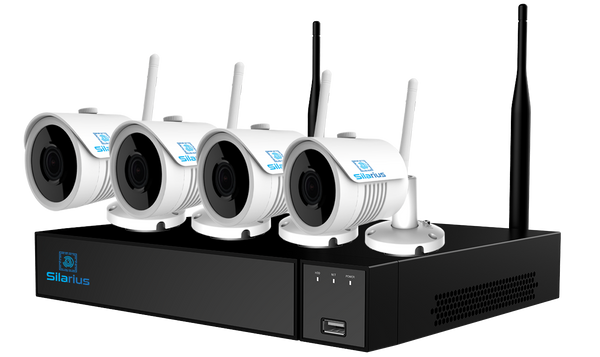
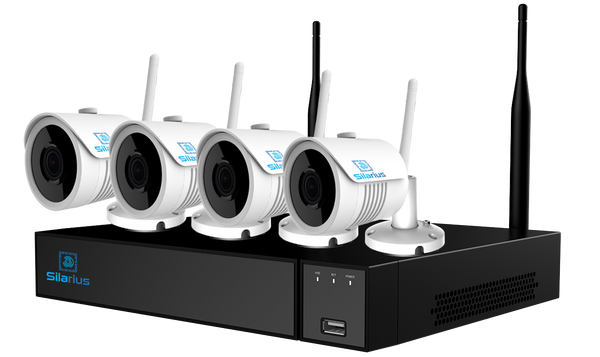
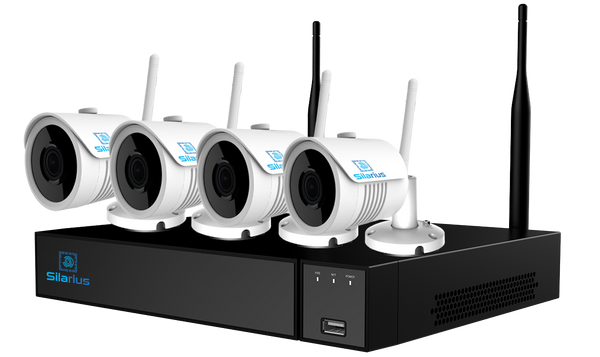
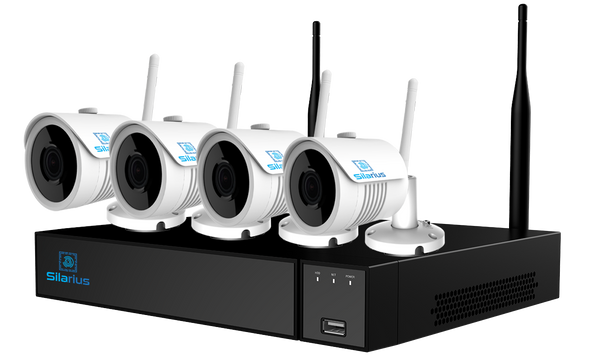
Silarius offers pre-configured security camera kits sized for small business — everything in one box, designed to work together out of the packaging. Our team can specify the right system for your layout, floor plan, and threat model. We stock NDAA-compliant cameras and NVRs with manufacturer warranties, and we offer GSA Schedule procurement for businesses that work with local, state, or federal government agencies.
Get a free system recommendation from our security specialists, or browse our small business security camera packages.